Apr 6, 2023
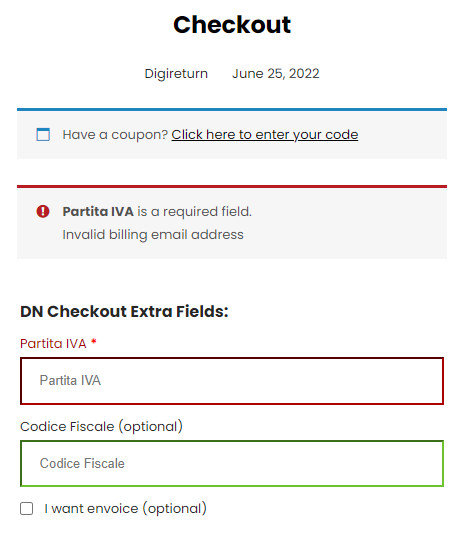
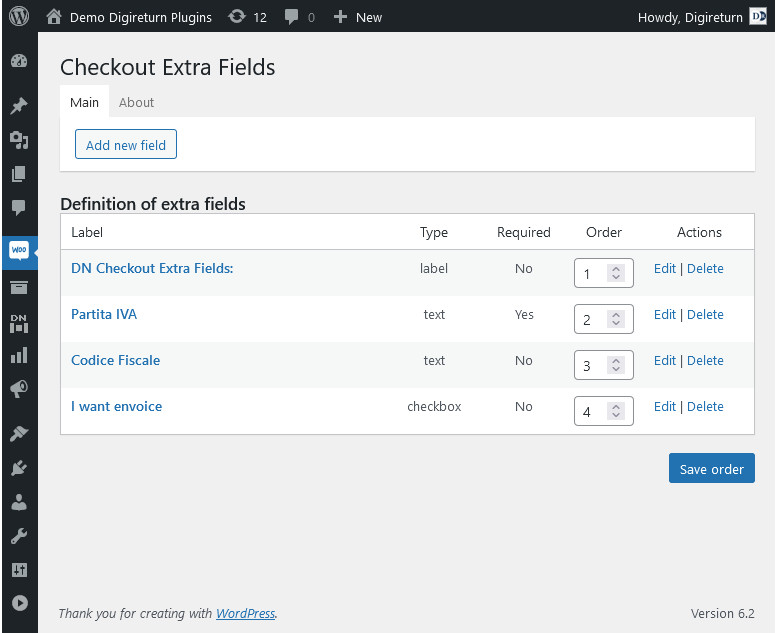
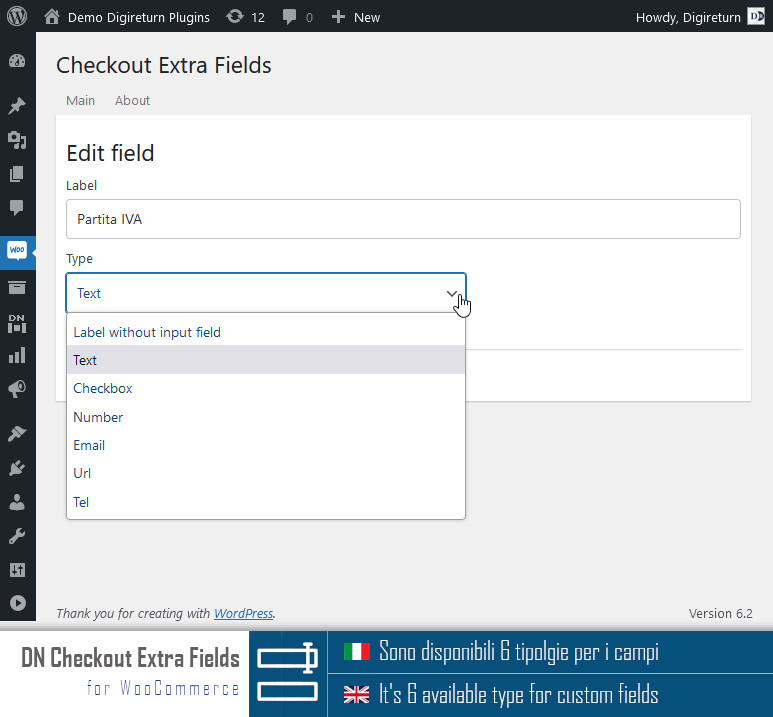
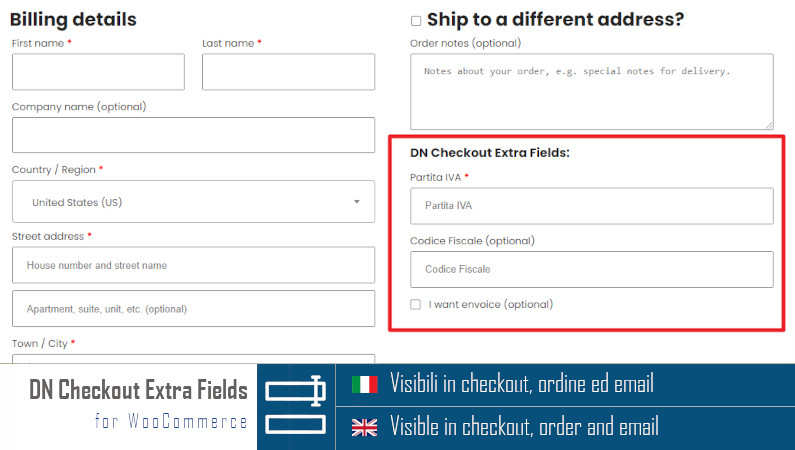
DN Checkout Extra Fields v1.0.3 for WooCommerce

New version available on https://wordpress.org/plugins/dn-wc-extra-fields/

Customize extra checkout fields for WooCommerce: partita iva, codice fiscale, sdi, pec, note, etc.

  • tested on WordPress 6.2
  • improved graphics interface
  • added about page
  • fixed some minor bug
  • updated assets and readme.txt
More Details
Mar 31, 2023
DN Footer Contacts v1.3.1

In this new minor version we have:

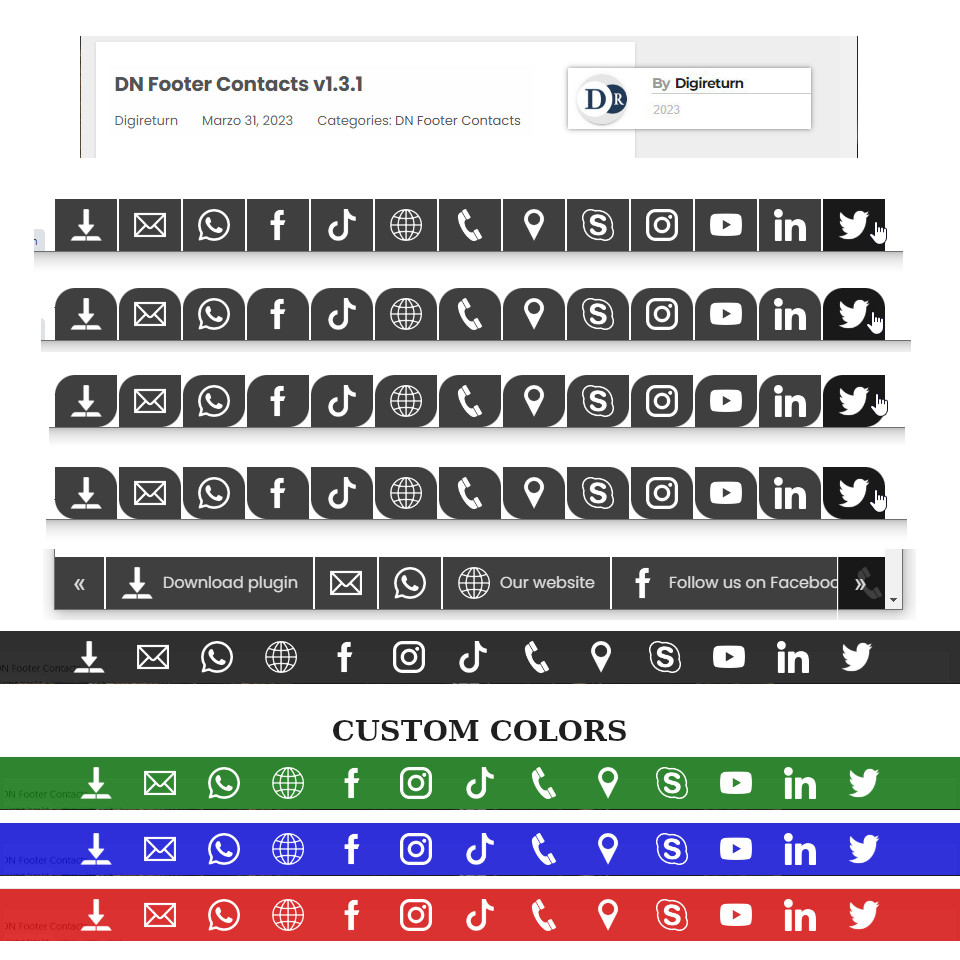
  • Added new buttons: download and website link
  • Tested on WordPress v6.2
  • Fixed order buttons bug
  • Fixed php notices
  • Fixed device views bug
  • Added refreshing textdomain languages on upgrade plugin version
More Details
Mar 20, 2023
DN Footer Contacts v1.3.0

DN Footer Contacts new version 1.3 (29th March/2023) with new features:

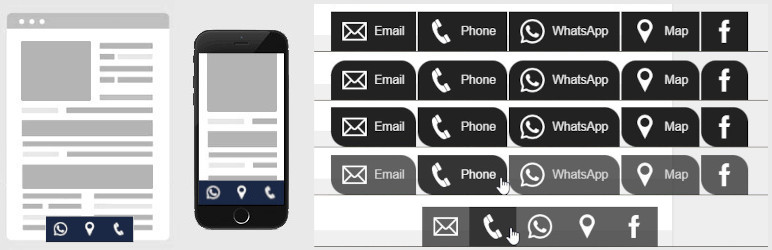
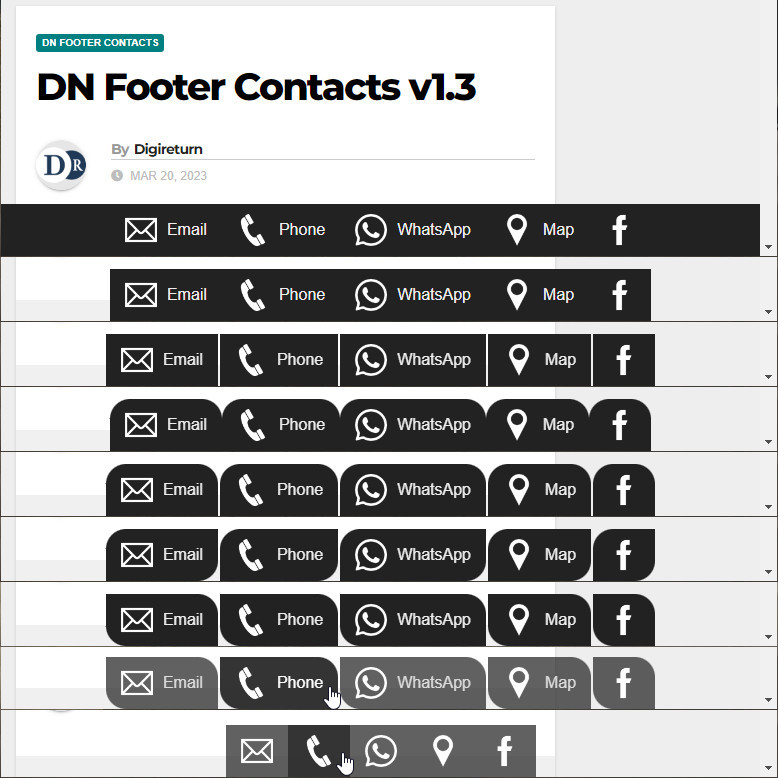
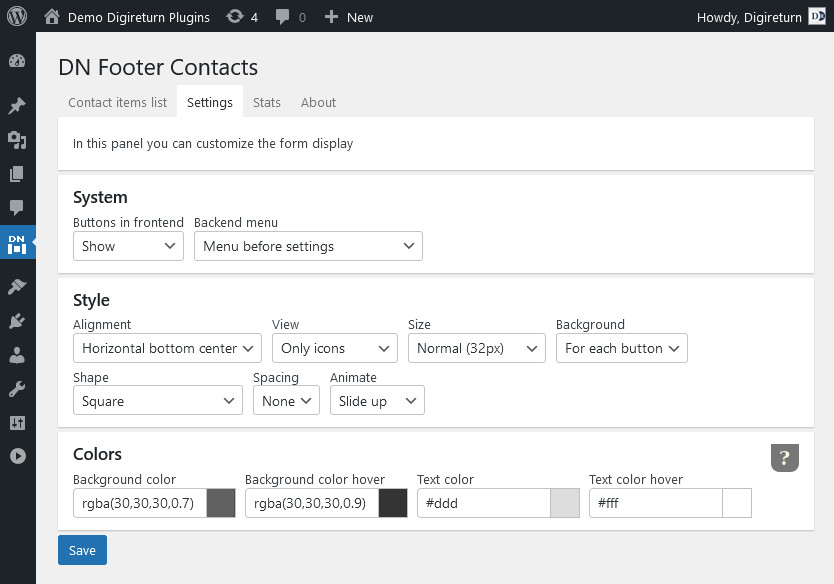
  • (new) buttons shape option (square, top rounded, left wave and right wave)
  • (new) buttons spacing option (none, 1px, 2px or 5px)
  • (new) start animation option (fade, slide up, slide left and slide right)

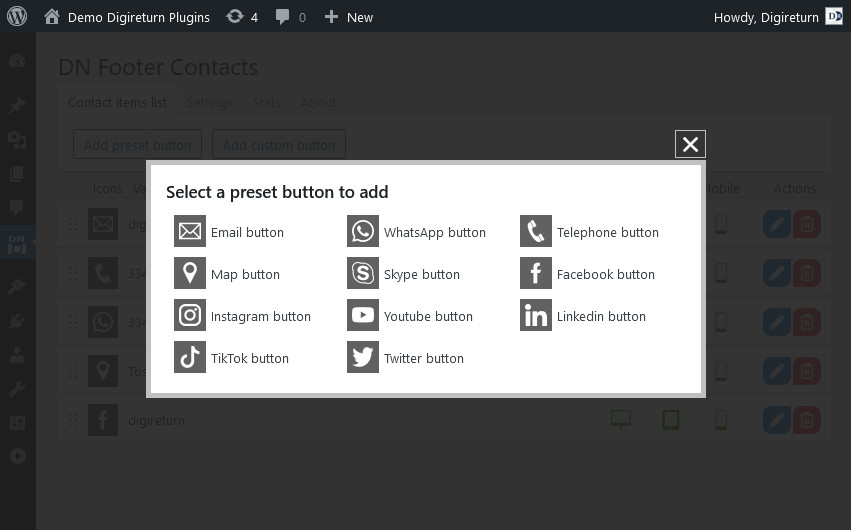
Available preset buttons

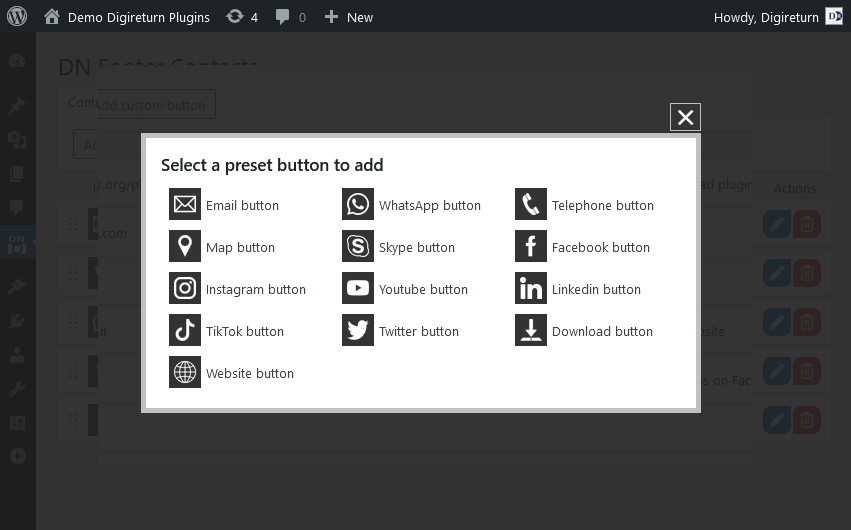
  • WhatsApp button for quickly sending a message
  • Phone button to call immediately
  • Email button to write and send mail
  • Map button to activate the Google navigator and provide information on how to reach the office
  • Skype button
  • Facebook button
  • Instagram button
  • Youtube button
  • LinkedIn button
  • TikTok button
  • Twitter button

Changed:

  • added new preset buttons (skype, facebook, instagram, youtube, linkedin, tiktok, twitter)
  • added animations for bar appearance (fade, slide up, slide left and slide right)
  • added option to separate buttons
  • added new option for button shape (square, top rounded, right wave and left wave)
  • new visibility based on device (desktop, tablet or mobile)
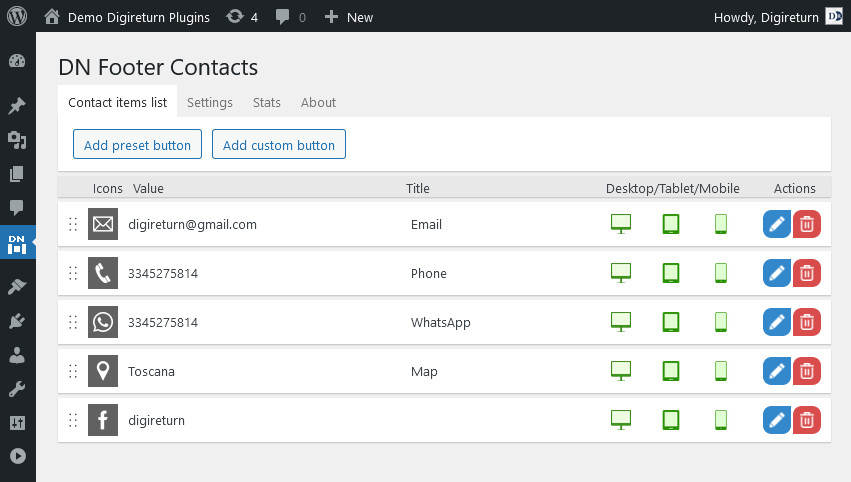
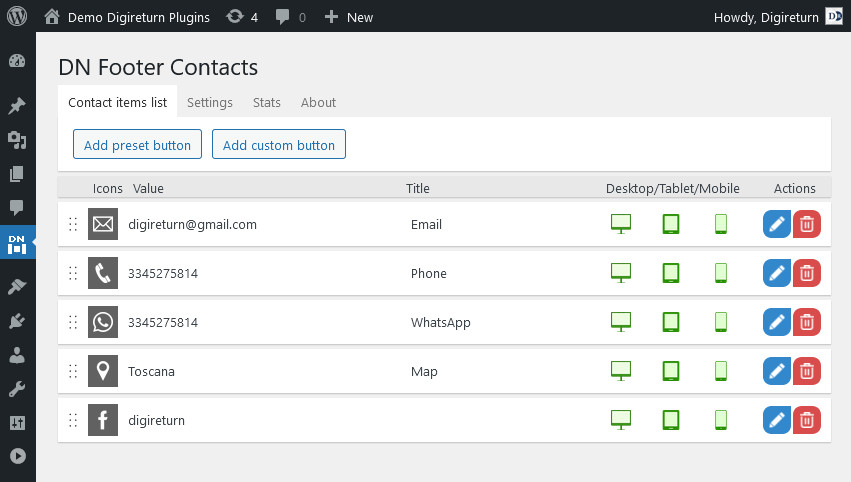
  • buttons management redesigned with ajax tecnology
  • added new sorting system based on drag&drop
  • increased security
  • admin button styles are now equal to front style
  • fixed settings save bug for menubar size
  • added help section in “About” page for colors suggestions

Download and try it!
… and let us know what you think!

More Details
Feb 24, 2023
DN Footer Contacts v1.2.0

Current version: 1.2 (Available in english and italian languages)

Available at https://wordpress.org/plugins/dn-footer-contacts/

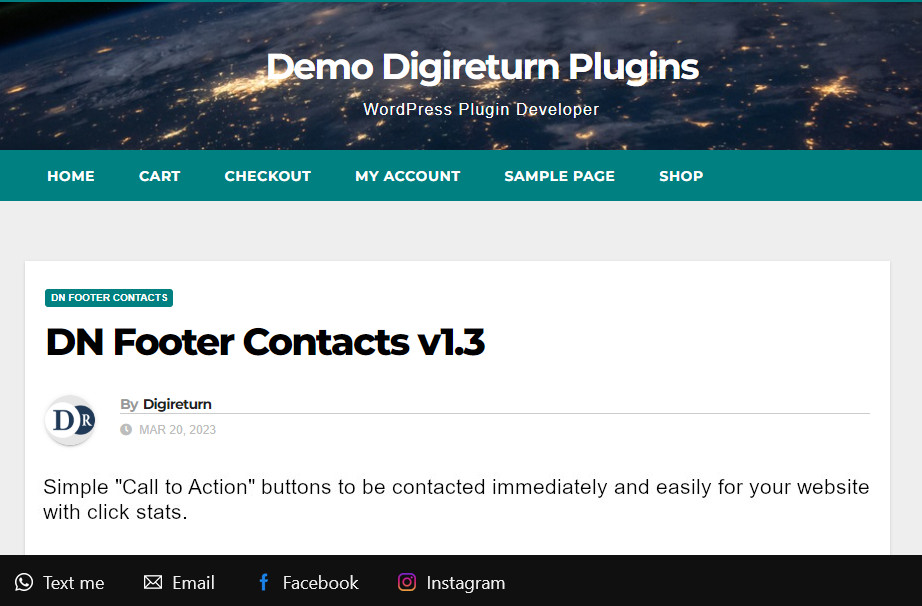
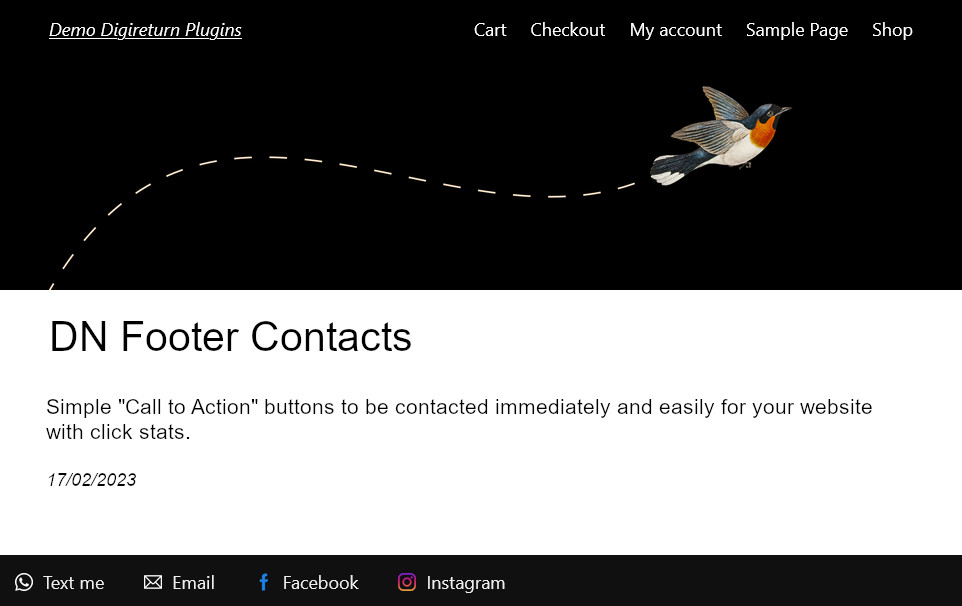
Simple “Call to Action” buttons to be contacted immediately and easily for your website with click stats.

Show fixed buttons all over your website, to allow visitors a quick and easy way for contact you by “Call to Action”. This plugin allows you to track and evaluate the effectiveness of a site by measuring visitors’ clicks. By combining the statistics of the buttons (call to action) with the statistics of visits of other tools, it will be easier to study new strategies to increase conversions.

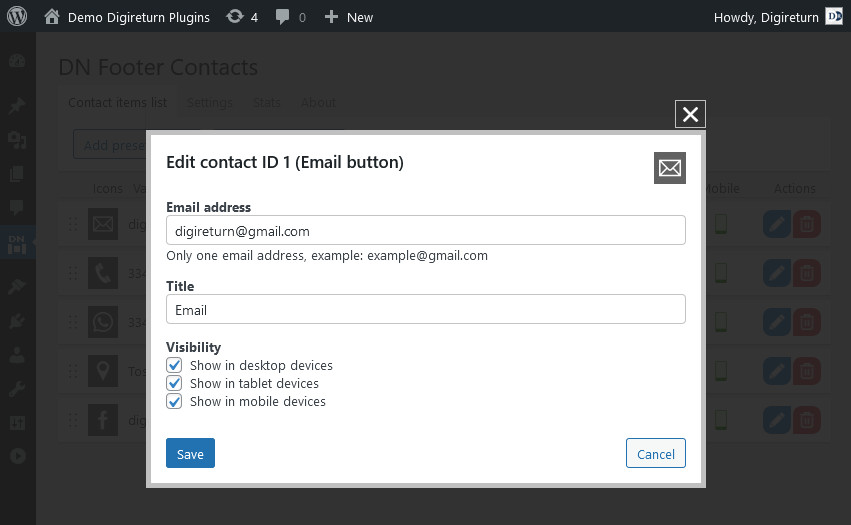
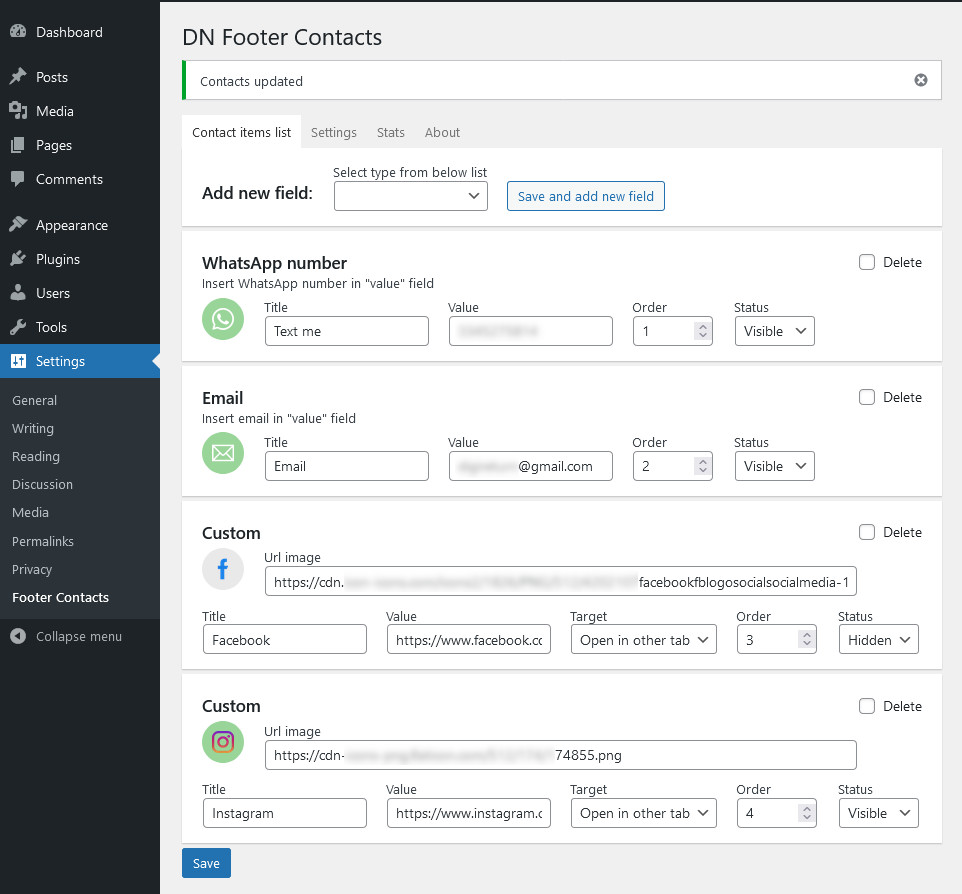
Add a preset field

  1. In the side menu, click on Settings > Footer Contacts
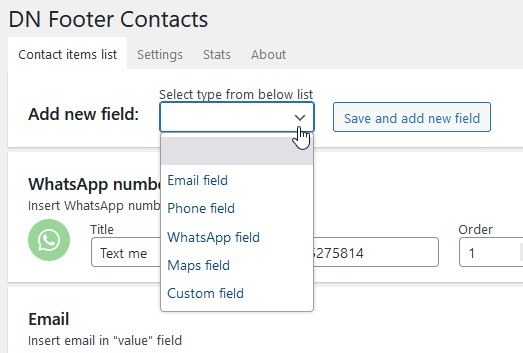
  2. In the “List” screen, select a predefined field from the drop-down menu and click on “Save and add new”
  3. Fill in the required fields (the title is optional), set status to “visible” and save

Available preset fields

  • WhatsApp button for quickly sending a message
  • Phone button to call immediately
  • Email button to write and send mail
  • Map button to activate the Google navigator and provide information on how to reach the office

Add custom field

Custom field button for other link, example profile facebook, profile instagram, profile youtube, messenger, etc

  1. Prepare a 56×56 pixel image with transparent background (png, gif, webp, etc)
  2. From the side menu click on Media > Add new
  3. Press “Select file” to open the device file browser window
  4. Select the image file and upload it
  5. Copy the url generate by WordPress (if image is not optimized you can edit the image with the tools made available by the image library)
  6. In the side menu, click on Settings > Footer Contacts
  7. In the “List” screen select “custom field” from the dropdown and click on “Save and add new”
  8. Fill in the required fields (the title is optional), copy url in the “image url” field, set status to “visible” and save

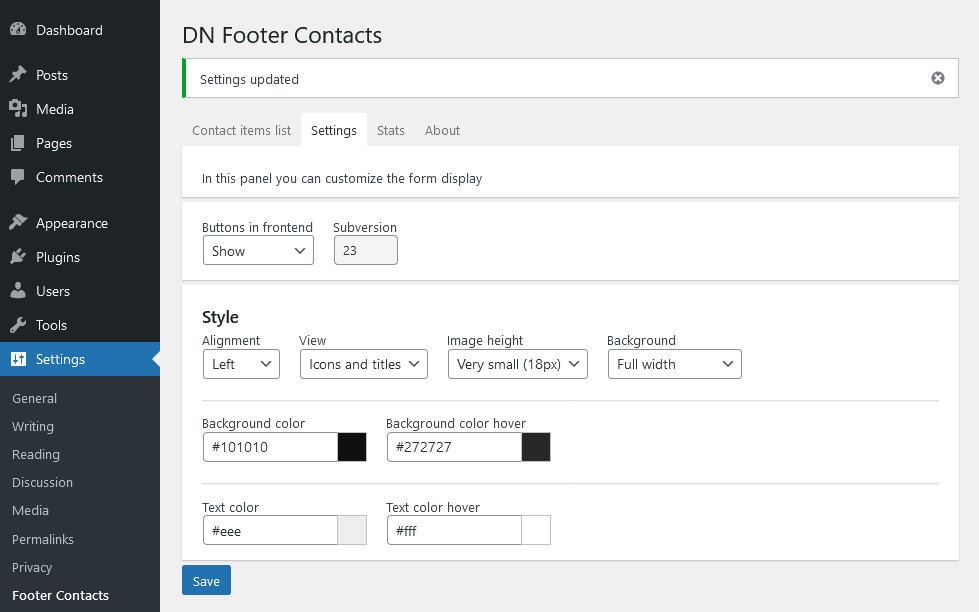
Settings

  • alignment (center, left or right)
  • display customization (icons only, text only, or both)
  • size of icons (very small, small, normal, big, very big)
  • type of background (full screen background, background only on buttons or completely transparent background)
  • customization of background and text colors (including hover colors)

Each button consists of

  • title visible to site visitors (it can be hidden)
  • value in which to insert number or link
  • visibility option (visible / hidden) for don’t lost stats
  • white icon with transparent background (png format), in the backend it becomes green background when active and gray background when hidden
  • sorting of buttons (by order number)

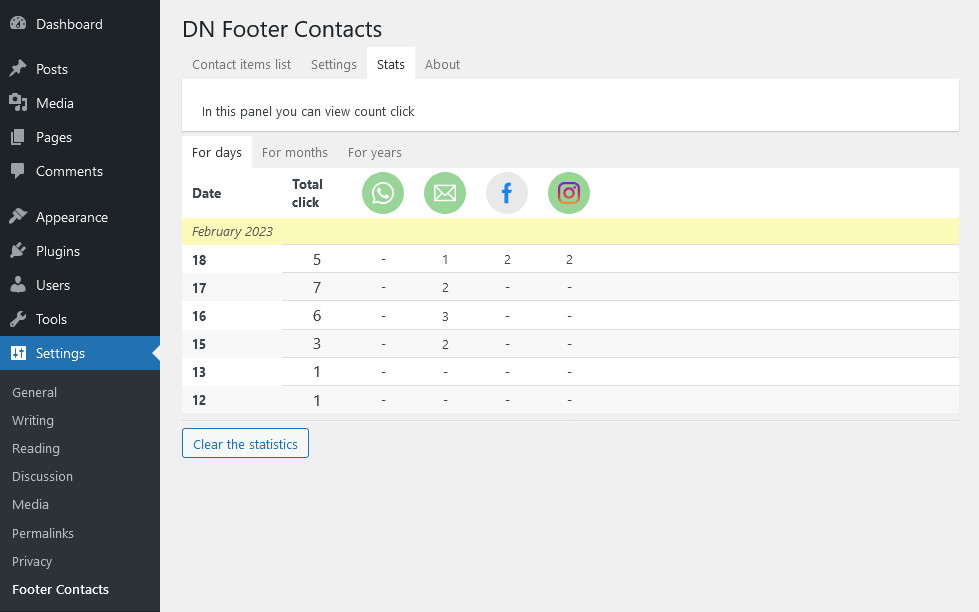
Statistics

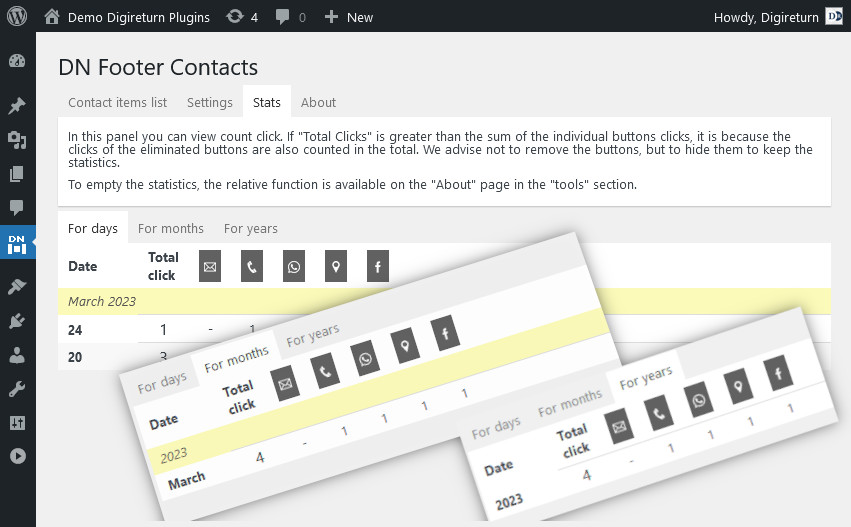
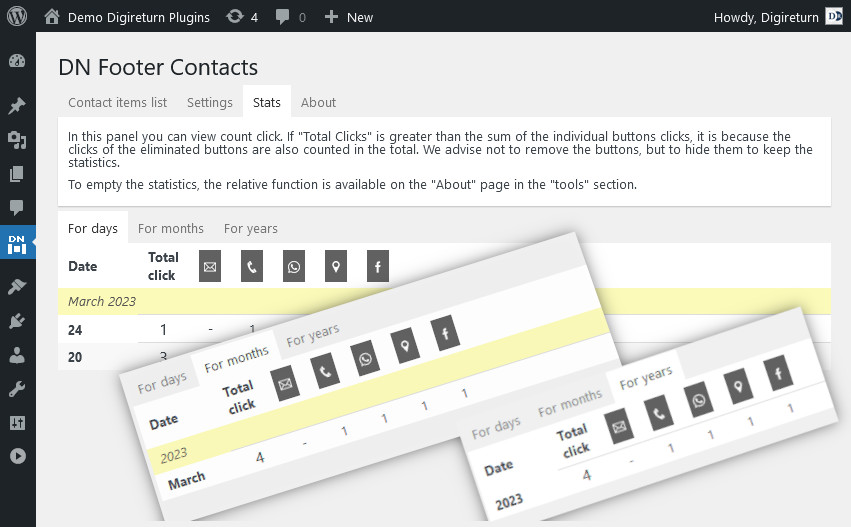
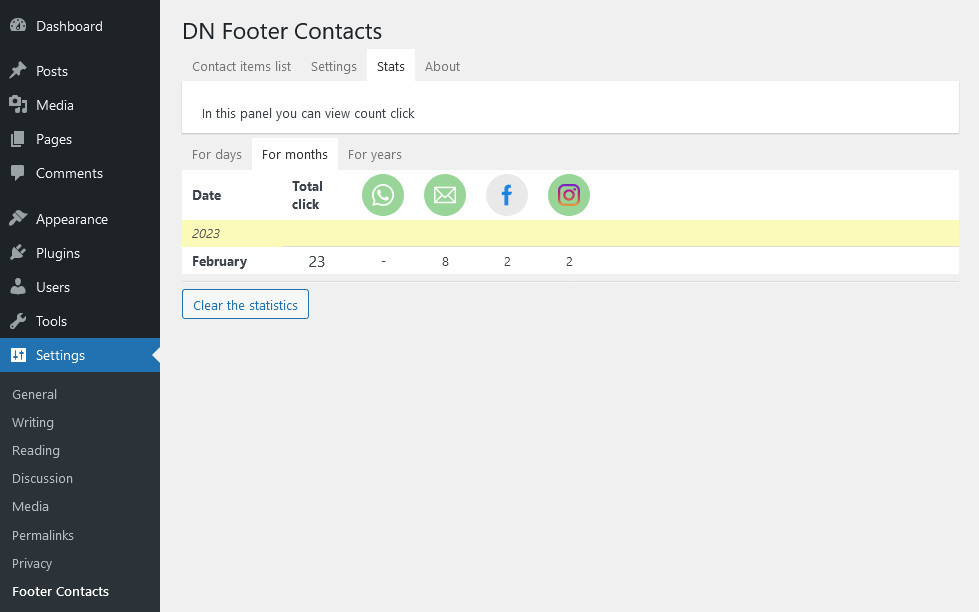
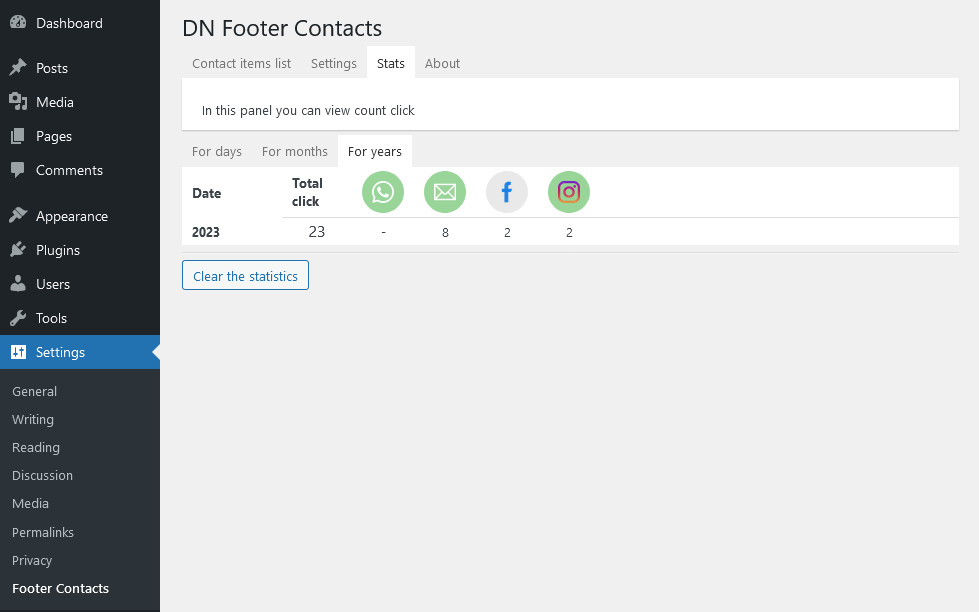
Stats to monitor clicks (call to action):

  • total number of clicks per day, month and year
  • daily, monthly and annual chicks number for each button
Support and feedback

This plugin is compatible and integrable in DN Dashboard

More Details
Giu 25, 2022
Welcome at Demo DN Plugins

This site was put online to show the demos of our WordPress plugins.

We hope you like them and want to try them out on your wordpress-powered sites.

All of our plugins are available in the WordPress directory located at profiles.wordpress.org/digireturn

More Details